
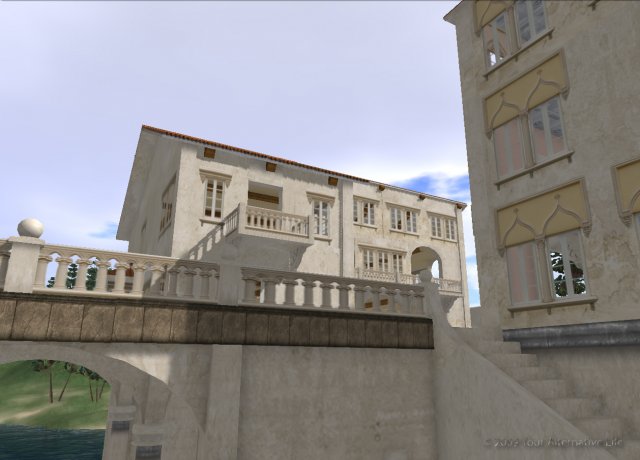
Upload of mesh, textures, sound and animations cost nothing. Sell their own creations in YAL and SL
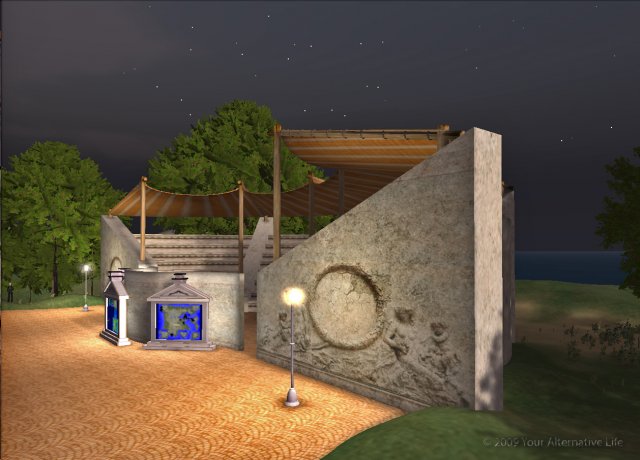
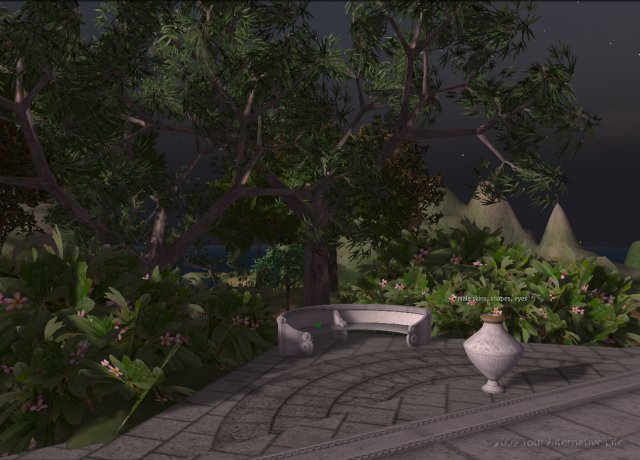
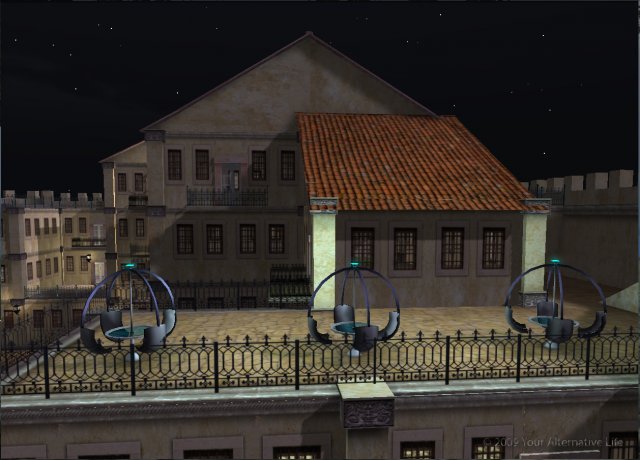
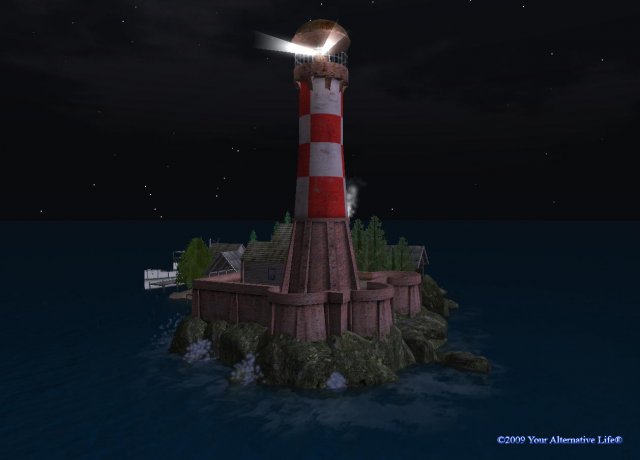
YAL is an ‘alternative’ to real life and YOU decide how to live it.
Your Alternative Life is a 3D online multi-user virtual world enables its users to interact with each other through 3D Avatars, create and trade virtual property and services. YAL put forward the following possibilities:
Free creativity
Create a unique appearance for your 3D avatar. Make a game, start a shop, build a dream home, garden or nightclub! If you can think of it then the possibilities are there to create it here. Upload of images, sound and animation cost nothing. You alone own anything you create—residents retain intellectual property rights over their in-world creations.
Profit
You can sell your own creations in YAl and in SL alike. You may buy land and you may rent it out if you so choose. YAL offers its users a perfect showcase by offering low and affordable prices per region.
New ways of presentation for your company, products, projects, and prototypes
YAL can simulate a building developments, hotel, restaurant, offices, conference centre, entertainment parks, museums, schools, city and infrastructure planning for you. Build your Virtual Reality and become the next online tycoon. Business can be enjoyed and Your Alternative Life is simply the very good way.
Innovations
Virtual worlds are the future of the 3D Internet and will make the web more interactive, social, and dynamic. Explore potential applications of virtual world technologies. Companies that want to be ready for the future can connect to these capabilities without the limitations of time and distance as this increasingly important medium evolves. The virtual space makes the world smaller and the potential of the human spirit higher.
Communication
Your Alternative Life does not only boast a fully functional three-dimensional chat service, using instant messaging (IM), but it is an opportunity to communicate your ideas. In no time, you will find yourself making long lasting friends and colleagues. Create Groups where you may invite other like-minded people to share your interests. Make friends from all over the world, meet your clients to consummate and engage in a real business, you may even learn a foreign language and perhaps find love.
Alternative meeting, briefing
Schedule your next office meeting in a cheerful, relaxed atmosphere. There are no limitations to the location! Why not have it poolside, at the beach or around the evening campfire. You can communicate with people almost any place in the world. Best of all! No more wasting time on the road and adding to the carbon footprint. You will even have an automatic transcription of your event which can be distributed electronically to all attendees and to those who were not fortunate enough to have been able to attend.
Alternative shopping
Try on clothes and shoes, choose a hairstyle and a yacht, communicating with the seller is a simple matter and support are just a few keystrokes away. You may even connect the YAL store to your web shop with real production. See your site traffic will increase much.
Alternative education
What could be more attractive to young people than the game? If the teacher looks like a transformer, for example, the students would be eager to catch every his word. The study of physical objects, simulations, video and other materials are educational aspects that will be absorbed and retained without a conscious thought.
Help and Support
Please contact members of our team in the world, or write to the site. We will respond as quickly as possible. We are always happy to help you with all your questions.
Try Alternative Business Solutions!
Register for free and Start discover Your Alternative Life!